
Capture every view of your website. For free.
RAROG SiteShot is a free Windows app and the first RAROG app: from a single URL to full-page screenshots on desktop, tablet and phone, in several resolutions at once.

What SiteShot does
-
Full page or visible area
Capture the whole page from top to bottom, or only the part visible on the screen.
-
Desktop, tablet and phone
Choose devices or enter custom dimensions.
-
Several resolutions at once
Choose several views, start the capture and save the results to a folder of your choice.
From a URL to finished screenshots in three steps
-
Enter the website address
Paste the URL of the page you want to capture.
-
Choose the views
Select the devices and dimensions you need.
-
Start and save
Finished screenshots arrive in the folder you chose.
Screenshots
-
Open a larger image
Finished screenshots of three views -
 Open a larger image
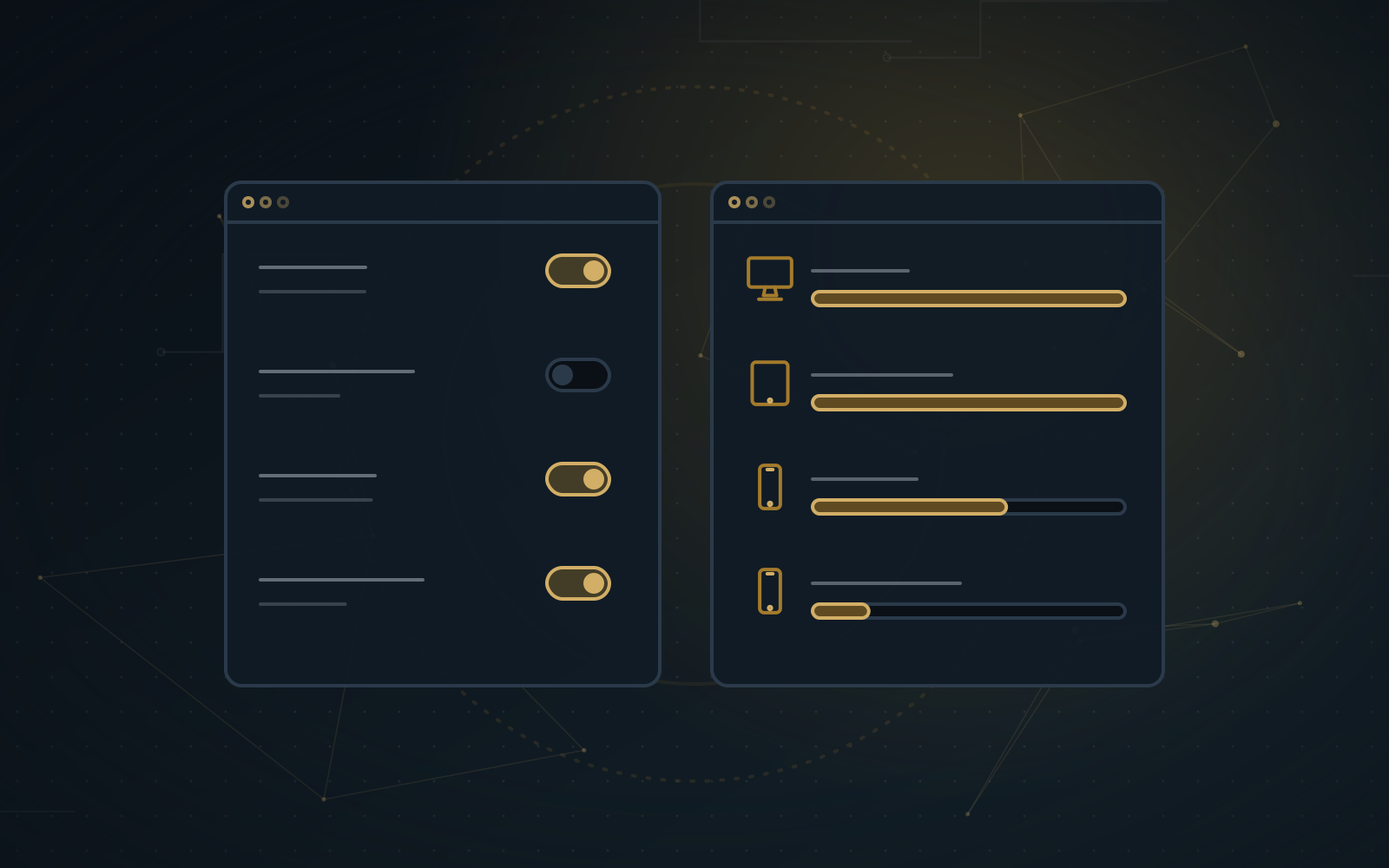
Choosing devices and resolutions -
 Open a larger image
Settings and capture progress
RAROG SiteShot is a free Windows app for capturing web pages and checking how they look on desktop, tablet and phone. Capture the full page or just the visible part, in several resolutions at once.
Questions before your first capture
Does SiteShot work on Windows 10 and 11?
Can I capture the whole page?
Can I capture several views at once?
Which dimensions and devices can I choose?
Where are the finished screenshots saved?
One partner for all your technology
We're happy to answer all your questions and help you decide which solutions best suit your business.
Why us:
- One partner for everything
- Independent advice
- Proven tools
- Free first consultation
- Response within 2 hours on working days
- Tailored solutions
What happens next?
- We schedule a call at a time that suits you
- We hold a consultation and assess your needs
- We prepare a tailored quote